Practical ChatGPT for Business
Most UK business owners are not short of marketing ideas. They are short of hours in the week. Here is a step-by-step guide to using ChatGPT and AI marketing automation to get your marketing done properly, without adding another job to your own to-do list.
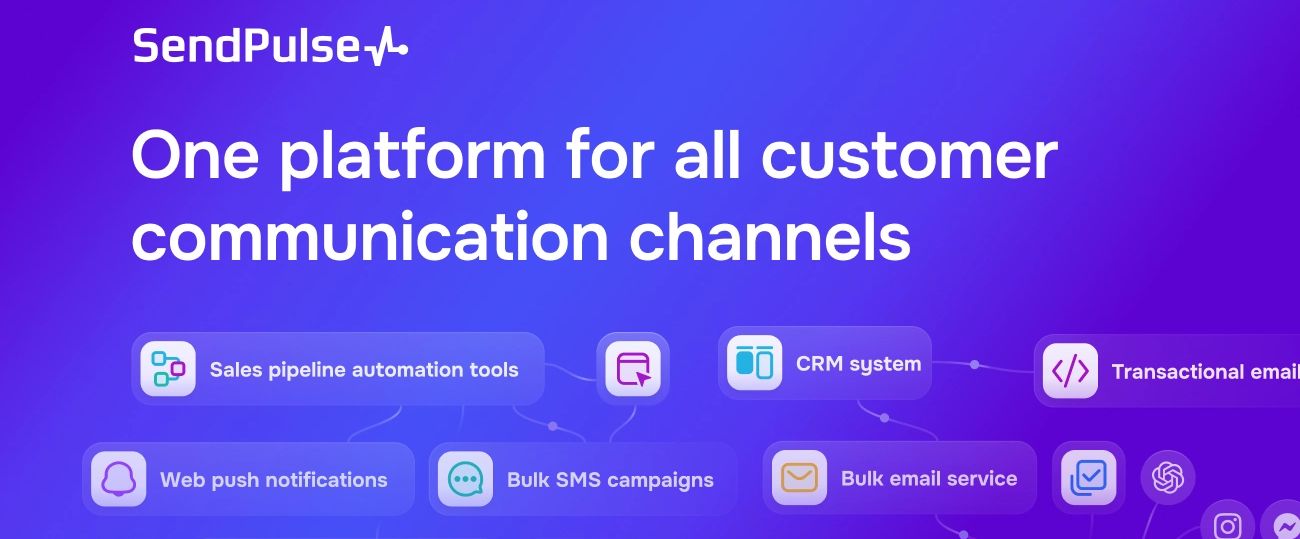

Most small businesses field the same handful of customer questions on repeat (opening hours, pricing, “are you open Saturday”), and answering those manually eats hours every week that could go into actual sales or product work.
SendPulse’s AI-generated flow feature lets you describe what you want in plain instructions and have ChatGPT, Claude or Gemini build the entire chatbot conversation for you in minutes rather than building it block by block, so a business gets a working, always-on first line of customer response without needing any technical skill or a dedicated marketing hire to set it up.
What AI marketing automation actually means
It helps to start with a plain definition, because the phrase gets used loosely. According to SendPulse, the leader in AI automation, AI marketing automation is “the process of using artificial intelligence to improve customer support, sales, and customer experience.”
None of that requires a data science degree or an enterprise budget. Here is how to actually put it to work, in order.
Step 1: Work out what is actually eating your time


Before opening any AI tool, spend ten minutes being honest about where your own marketing hours go.
For most small business owners, it is one of a short list:
- Writing social media captions
- Answering the same handful of customer questions over and over on WhatsApp or Instagram.
- Drafting email newsletters, or following up leads who enquired and then went quiet.
Step 2: Build an AI-generated flow to handle customer messages automatically
SendPulse’s chatbot builder includes a feature specifically for this.
As their own guidance puts it, “with AI and SendPulse, you can speed up your chatbot content development process and cut the time you need to produce text content,” using ChatGPT, Claude or Google Gemini to build the conversation for you rather than building it block by block yourself. In 3 steps, you can build a customer support flow in Sendpulse.
Create a flow

Enter your prompt


Generate the flow

That’s all there is to it.
This feature sits behind SendPulse’s Pro plan and above, which is worth knowing before you start, but for a business fielding the same customer questions daily, it is often the single highest-value automation on this list.
Step 4: Start small, measure it, and expand what works
The businesses that get the most out of AI marketing automation are rarely the ones that automate everything on day one.
Pick the single task from Step 1 that costs you the most time, set up ChatGPT or an AI-generated flow to handle it, and watch what happens over a couple of weeks before adding the next one. Automation that is consistent and well-targeted from the start beats automation that tries to do everything and gets switched off within a month because nobody trusted it.
Start SendPulse Free Trial
If you do not currently have a tool that handles chatbots, email and customer data in one place, SendPulse is a reasonable starting point precisely because the AI flow-building feature above sits inside the same platform as your email marketing and customer messaging, rather than being a separate tool you have to stitch together yourself.
AI is not going to write your business’s personality for you, and it should not be left to run completely unsupervised. But used the way it is actually designed to be used, to take the repetitive load off a business owner’s week rather than to replace their judgement, it is one of the more genuinely useful changes available to a small business right now.
Disclaimer: Uncompounded is an affiliate of SendPulse. Links to SendPulse in this article are affiliate links, and we may earn a commission if you sign up through them, at no extra cost to you. This has not affected our description of what the product does; the quoted material is taken directly from SendPulse’s own published glossary and knowledge base.